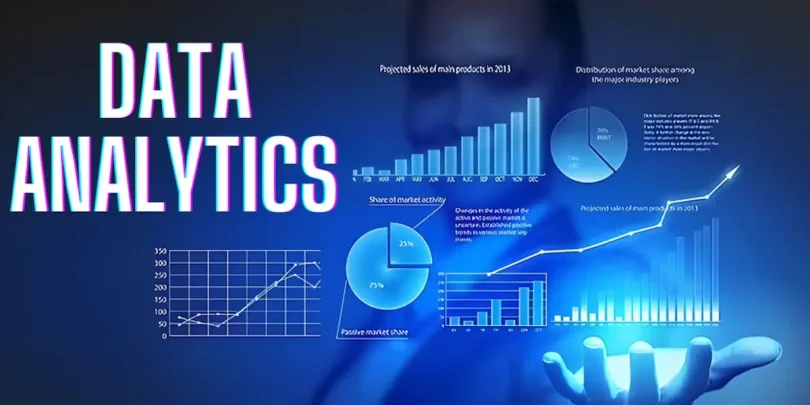

If you’re asking yourself how to start data analytics, you’re taking the first step into one of the most in-demand skills today. Data analytics is everywhere—businesses, governments, sports teams, and even social media rely on data to make smarter decisions. In simple terms, data analytics is about examining data to uncover insights, patterns, and trends that can help solve real-world problems.
Starting your journey in data analytics might feel overwhelming, but it doesn’t have to be. By breaking the process into clear steps, anyone—from students to professionals—can begin learning effectively. In this guide, I’ll walk you through everything: the skills you need, tools to use, practical exercises, and how to grow into an advanced data analyst over time.
1. Understand the Basics of Data Analytics
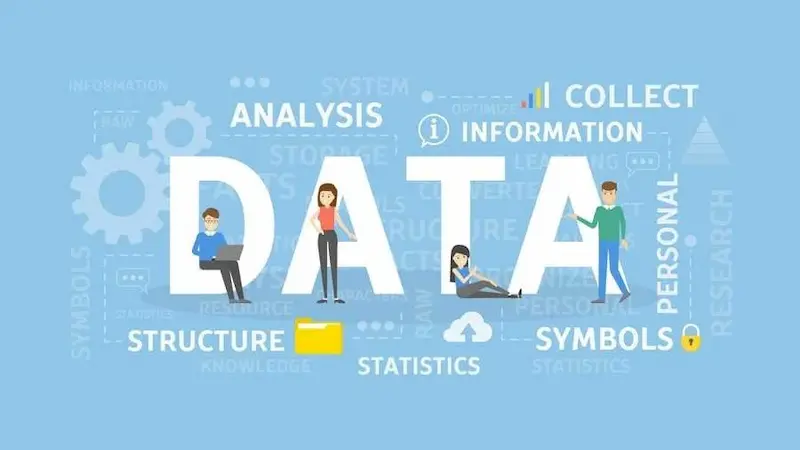
Before diving into tools or programming, it’s important to understand what data analytics really is. At its core, data analytics is about turning raw data into meaningful insights.
Here are the main types:
- Descriptive Analytics: Understand what has already happened. For example, a company might analyze last month’s sales to see which product sold the most.
- Diagnostic Analytics: Understand why something happened. For instance, why did website traffic drop last week?
- Predictive Analytics: Forecast future trends using past data. For example, predicting which products will sell well next season.
- Prescriptive Analytics: Suggest actions based on analysis. For example, recommending marketing strategies to boost engagement.
Knowing these types will help you choose the areas of analytics you want to focus on first.
2. Learn the Essential Math and Statistics
Data analytics relies heavily on statistics and basic math. Don’t worry—you don’t need advanced calculus to start. Focus on understanding:
- Mean, Median, Mode: Basic measures to summarize data.
- Variance and Standard Deviation: How spread out your data is.
- Correlation: How variables relate to each other (positive, negative, or no correlation).
- Regression: Predicting one variable based on another.
- Probability: Helps in making informed decisions based on likelihoods.
You can find beginner-friendly resources online for these concepts. Understanding them will make interpreting data much easier.
3. Learn to Work With Data Tools
Tools are essential in data analytics. Here are the ones every beginner should know:
a) Excel and Google Sheets
- Perfect for data cleaning, basic analysis, and visualization.
- Learn formulas like SUM, AVERAGE, IF, VLOOKUP, and Pivot Tables.
- Easy to create charts and graphs to visualize trends.
b) SQL (Structured Query Language)
- Used to query databases and retrieve data.
- Learn to select, filter, join, and aggregate data.
- SQL is critical for roles in companies with large databases.
c) Python or R
- Powerful programming languages for data analysis and visualization.
- Python libraries like Pandas, NumPy, Matplotlib, and Seaborn are beginner-friendly.
- R is excellent for statistical analysis.
d) Data Visualization Tools
- Tableau and Power BI help create interactive dashboards.
- Visualization is key to presenting insights in an understandable way.
Start with one tool, like Excel or Python, and gradually explore others as you get comfortable.
4. Practice With Real Data
The best way to learn is by doing projects. Start with small datasets:
- Kaggle – Free datasets with beginner-friendly competitions.
- Data.gov – Government datasets for practice.
- UCI Machine Learning Repository – Wide variety of datasets for analysis.
Try mini-projects like:
- Analyzing sales trends for a small store
- Studying social media engagement
- Exploring weather data to identify patterns
The more you practice, the more confident you’ll become.
5. Master Data Cleaning and Preparation
Before analyzing data, you need to clean it. Many beginners underestimate this step, but it’s where most of your work will happen. Common tasks include:
- Removing duplicates
- Handling missing values
- Standardizing formats (e.g., dates)
- Removing irrelevant or noisy data
- Detecting and dealing with outliers
Clean data ensures your analysis is accurate and trustworthy.
6. Develop Analytical Thinking

Data analytics is not just about numbers; it’s about thinking critically. Ask yourself questions like:
- What problem am I trying to solve?
- What patterns or trends am I seeing?
- What story does the data tell?
- How can I present my findings clearly?
Strong analytical thinking will set you apart, even if you’re still a beginner with tools.
7. Take Online Courses and Tutorials
Learning structured content helps beginners stay on track. Here are some options:
- Coursera, Udemy, edX – Offer beginner-to-advanced data analytics courses.
- YouTube – Free tutorials and practical demonstrations.
- Blogs and Forums – Tips, project ideas, and challenges.
Following a course helps you understand the sequence of learning, instead of randomly picking topics.
8. Build Your Portfolio
A portfolio is your proof of skill. Even as a beginner, you can create small projects and showcase them:
- Document projects on GitHub
- Create dashboards in Tableau or Power BI
- Write blog posts explaining your analysis
A portfolio makes it easier for potential employers to see your skills in action.
You may also like to read this:
Learn Data Analytics For Beginners: Easy Tips And Tools
Complete Basic Data Analytics Tutorial To Learn Data Easily
Data Analytics Tools For Beginners | Complete Guide
Simple Data Analysis Techniques For Beginners | Easy Guide
9. Join Communities and Network
Learning is faster when you’re part of a community:
- Join LinkedIn groups focused on data analytics
- Participate in Reddit analytics communities
- Attend meetups or webinars
You’ll get advice, feedback, and support from fellow learners and professionals.
10. Keep Practicing and Learning Advanced Topics
Once you’ve learned the basics, continue growing:
- Learn advanced analytics tools, like machine learning in Python
- Explore big data platforms like Hadoop or Spark
- Follow blogs, podcasts, and industry news to stay updated
The key is consistent practice and curiosity. Data analytics is a journey, not a one-time task.
Final Thoughts
Starting in data analytics can feel challenging, but with a step-by-step approach, it becomes manageable. Begin with the basics of statistics, learn one tool at a time, practice with real datasets, and build your portfolio. Over time, you’ll develop the analytical skills and confidence to solve real-world problems.
Remember, the question is not just how to start data analytics, but also how to keep learning and improving consistently. Take one step at a time, and soon, you’ll be ready to take on complex projects and even pursue a career as a data analyst.
FAQs About How to Start Data Analytics
1. What is data analytics?
Data analytics is the process of examining raw data to find patterns, trends, and insights that help make better decisions. It involves organizing, analyzing, and interpreting data to answer questions or solve problems.
2. Do I need a degree to start data analytics?
Not necessarily. While a degree in computer science, statistics, or business can help, many beginners start with online courses, tutorials, and practical projects. Building skills and a portfolio is often more important than formal education.
3. Which programming language should I learn first?
For beginners, Python is highly recommended because it’s easy to learn and has powerful libraries like Pandas, NumPy, and Matplotlib. R is also good for statistical analysis. If you’re starting with simple tasks, Excel or Google Sheets is enough.
4. How long does it take to learn data analytics?
It depends on your commitment and the depth you want to reach. For a basic understanding, 2–3 months of consistent practice can be enough. To become job-ready, it may take 6–12 months of learning tools, statistics, and building projects.
5. What tools do I need to start data analytics?
Beginner-friendly tools include:
Excel or Google Sheets for data organization and basic visualization
SQL for querying databases
Python or R for advanced analysis
Tableau or Power BI for dashboards and visualizations
Start with one tool and expand gradually.